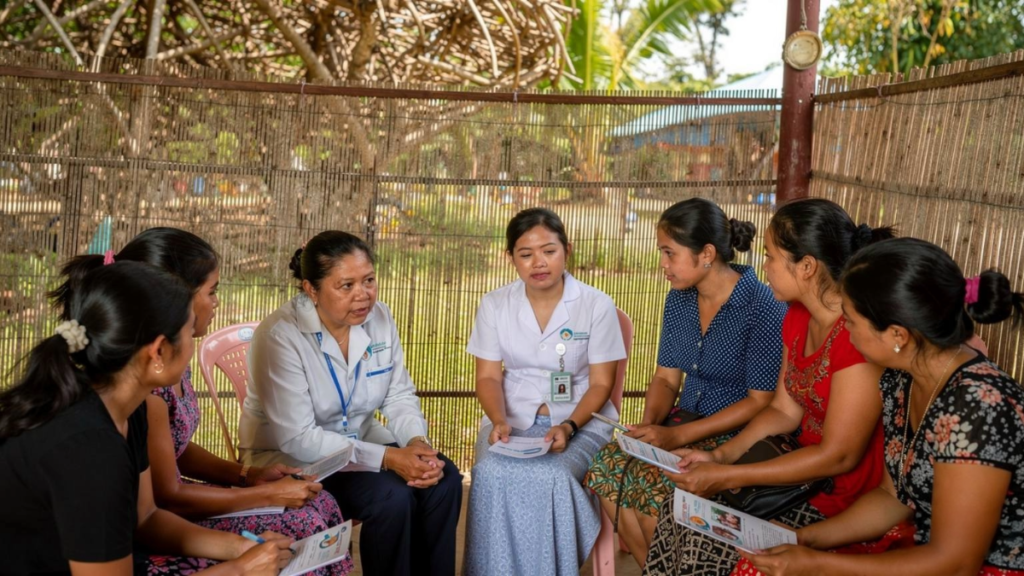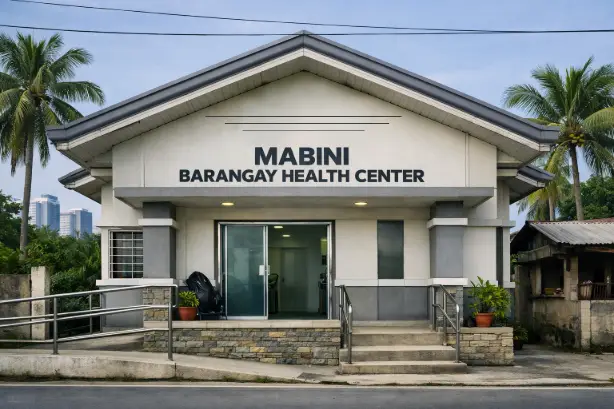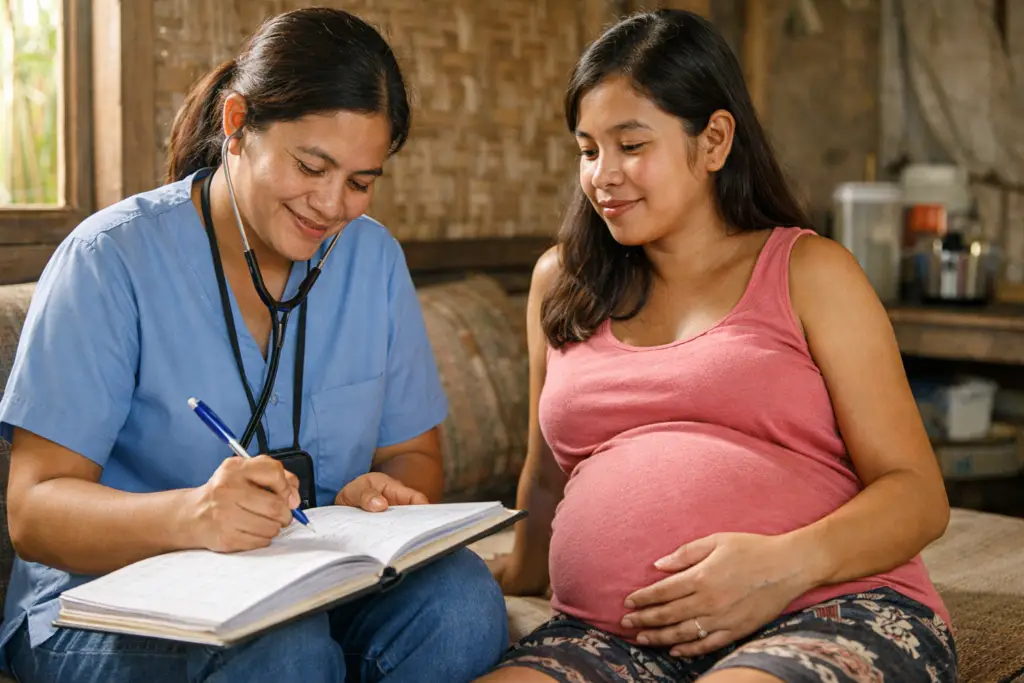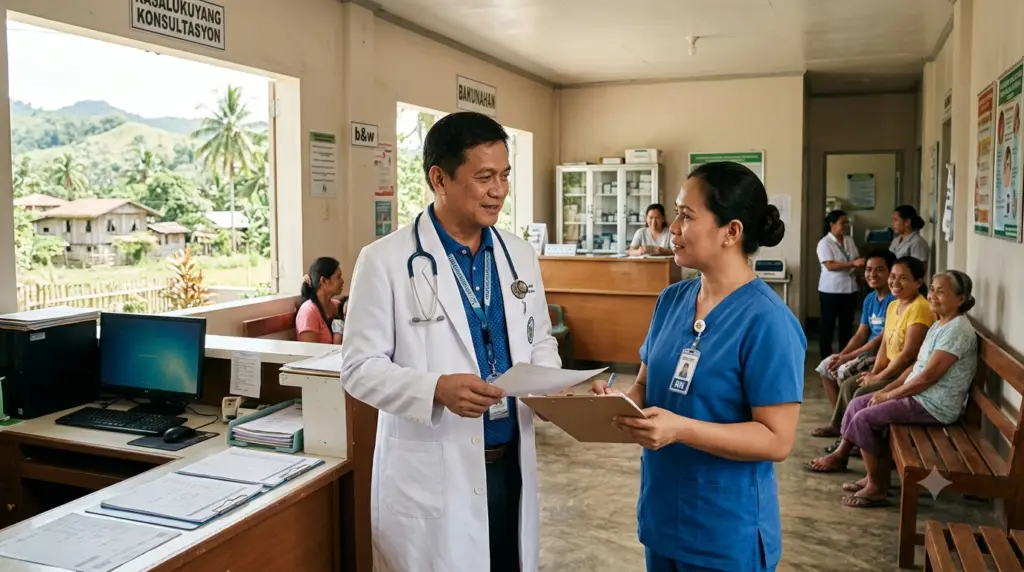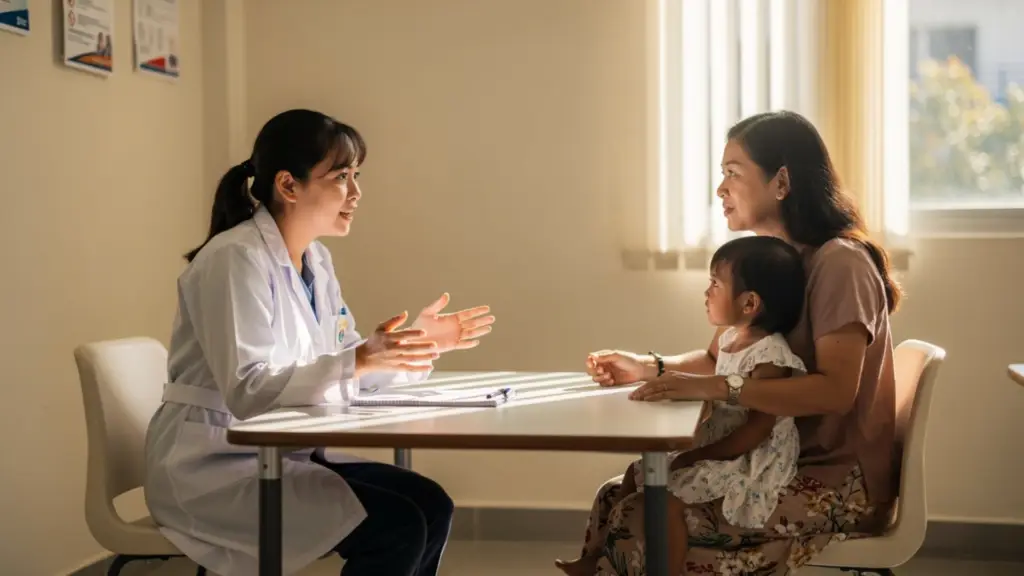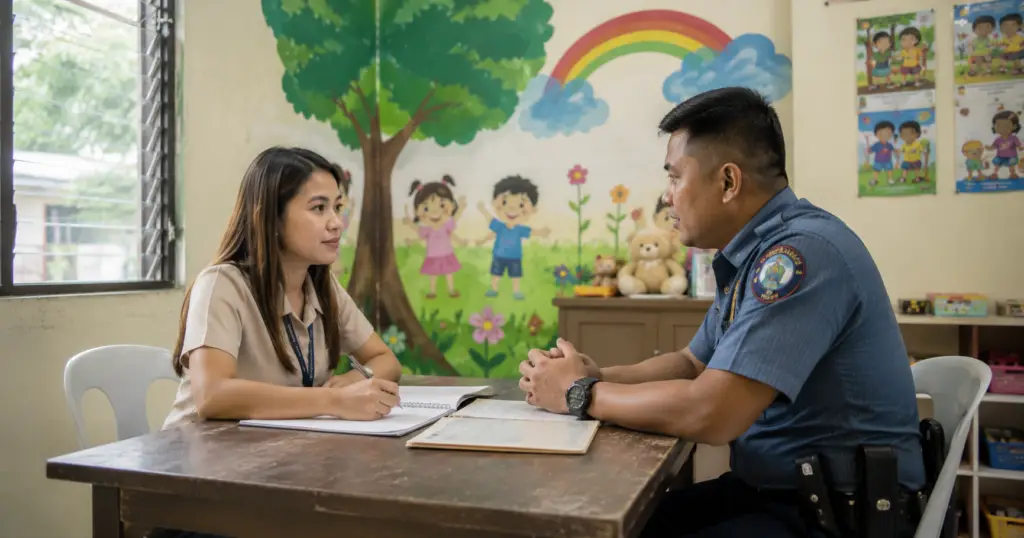

The Buntis Partner Program is a three‑month proof‑of‑concept project that places trained Barangay Health Workers at the centre of early pregnancy identification and risk‑based referral. Covering all 26 barangays of Sta. Cruz, Laguna and targeting approximately 500 pregnant women, the program links community‑based registration, antenatal monitoring, a standardized risk classification, and a real‑time digital dashboard. The digital system and tools that power the program were developed by SPHERES, Inc. in partnership with the Philippine Society for Responsible Parenthood, Inc. (PSRP), with funding support from the United Nations Population Fund (UNFPA). Its purpose is not to create a registry, but to shorten the time between the moment a pregnancy becomes high‑risk and the moment a qualified clinician manages it.
The maternal mortality ratio in the Philippines has declined but remains above the Sustainable Development Goal target of fewer than 70 deaths per 100,000 live births by 2030. Community‑based navigation models that pair a trained health worker with each pregnant woman from early pregnancy through postnatal follow‑up have been used internationally to close this gap. The Buntis Partner Program applies that approach in Sta. Cruz, Laguna, building on the earlier SMART Moms Program developed by PSRP with UNICEF Philippines.
The program is designed as a clinical decision‑support and program management layer that sits on top of existing maternal health information systems. It does not duplicate the Field Health Service Information System (FHSIS) or other DOH reporting tools. Instead, it equips frontline health workers and their supervisors to identify at‑risk pregnancies earlier, monitor referrals, and respond faster.
SPHERES, Inc. developed the Buntis Partner Program’s digital registration system, risk classification tools, and monitoring dashboard in partnership with the Philippine Society for Responsible Parenthood, Inc. (PSRP), with funding support from the United Nations Population Fund (UNFPA).
Every pregnant woman enrolled in the program moves through a five‑step pathway, from initial registration by a Buntis Partner to continuous monitoring on a live dashboard.
| Step | Stage | Description |
|---|---|---|
| 1 | Registered by BHW | A Buntis Partner registers the pregnant woman using a mobile form, capturing baseline household and pregnancy information. |
| 2 | Visits logged by Midwife, Nurse, or Doctor | Clinical staff log antenatal visits, update health information, and confirm risk classification throughout the pregnancy. |
| 3 | Referral, if high risk | Women classified as high risk are referred immediately. The Buntis Partner completes the referral form, notifies the receiving facility, and accompanies the woman. |
| 4 | System processes data | Submitted data is validated and summarized securely, forming the basis for monitoring and reporting. |
| 5 | Live dashboard | A real‑time dashboard displays key indicators for RHU clinical managers, including risk distribution, referral status, and delivery outcomes. |
Every Buntis Partner carries a printed action card adapted from the SMART Moms Color Code Reference Guide. The card sets out the three risk tiers and the specific actions required for each, so that a Buntis Partner who identifies a concerning sign can act immediately during the home visit.
| Risk Tier | Meaning | Action Required of the Buntis Partner |
|---|---|---|
| Green (low risk) | Healthy pregnancy, no current problems. | Encourage regular antenatal visits, reinforce nutrition and iron supplementation, support birth planning, and visit at least monthly. |
| Yellow (moderate risk) | Risk factors present that could develop into complications. | Inform the midwife, agree a follow‑up schedule, maintain at least weekly contact, ask about new symptoms at every contact, and escalate immediately if any high‑risk sign appears. A clinical consultation (in‑person or telemedicine) must be secured without waiting for the next scheduled visit. |
| Red (high risk) | Danger signs present that may threaten the life of the woman or newborn. | Explain the urgency, complete the referral form, notify the midwife or RHU immediately, arrange transport, accompany the woman to the facility, and follow up to confirm she was seen and managed. |
The classification is a decision‑support aid. The attending midwife, nurse, or doctor reviews and confirms the risk level and retains full clinical responsibility for the woman’s management.
The program runs on three integrated electronic forms, all linked through each woman’s unique identity:
The online digital forms are available in English and Tagalog, and can be translated to other dialects as needed, ensuring that both Buntis Partners and the women they serve can engage with the tools in the language they are most comfortable with.
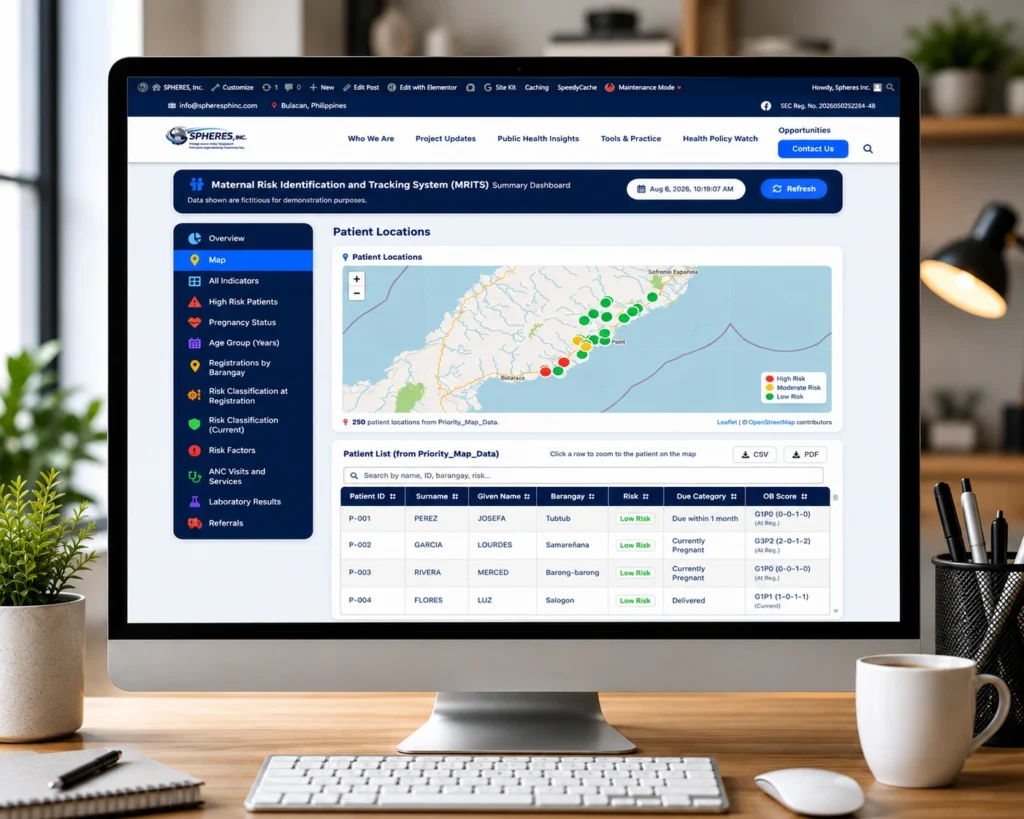
Data collection works offline and synchronizes when connectivity is restored. The monitoring dashboard consolidates information into over a dozen modules, including an interactive map, risk classification summaries, referral tracking, delivery outcomes, and postnatal care. During the inception phase, SPHERES built a fully functional demonstration dashboard populated with fictitious data for stakeholder review.
The underlying approach shares its design philosophy with the Maternal Tracking and Risk Identification System (MaTRIS) that SPHERES previously developed for barangay‑level maternal health programs. Both systems are built around a field‑first, mobile‑to‑dashboard architecture that adapts to the way barangay health workers actually work.
Explore the dashboard’s features using sample data. All records shown are fictitious and created for demonstration, testing, and training purposes only. No real patient information is included.
Open Demo Dashboard →Important note about the demo data: The demonstration environment contains 515 fictitious patient records generated solely for presentation, training, and system validation. These records do not represent actual patients and contain no real personal or health information. This fictitious data allows stakeholders to explore the full functionality of the system without exposing any confidential information.
In a live deployment, access to patient data is strictly limited to authorized program staff. The public demo is only possible because every record in it is fictitious.
While the supervisor dashboard gives program managers a high‑level view, each Buntis Partner needs to see her own Clients — right now, while she is in the field. The Buntis Partner Program now includes a dedicated BHW Client Viewer, a mobile‑friendly web page that gives every barangay health worker instant access to the list of pregnant women she is responsible for, wherever she has her phone.
The page is designed for intermittent connectivity and low‑bandwidth conditions: it loads quickly, uses minimal data, and can be refreshed with one tap. The BHW’s name and barangay are saved on her phone, so she never has to re‑enter them. A PIN‑protected settings button prevents unauthorized changes to the barangay assignment — important when phones are sometimes shared.
Because the viewer pulls data directly from the same live data pipeline that feeds the supervisor dashboard, the BHW sees the same live information that the midwife or municipal health officer sees. If a new registration is added, a risk level changes, or a delivery is recorded, it appears on the BHW’s phone the next time she refreshes.
The Clients shown in the demo are fictitious. In a real deployment, the BHW viewer is secured with a login and a barangay‑specific PIN, and only shows women from the barangay that the health worker is assigned to, and only to authorized program staff.
The BHW Client Viewer gives each Buntis Partner visibility into her own barangay caseload. RHU midwives, nurses, and doctors need something different: when a woman arrives for a follow‑up visit, or a referral needs to be resolved, they need her complete history in front of them, not just a caseload list. The Buntis Partner Program includes a dedicated RHU Maternal Client Lookup, a search‑by‑name‑or‑ID tool built specifically for RHU clinical staff, giving instant access to a woman’s full obstetric, risk, and referral history at the point of care.
Because the lookup reads from the same live data pipeline that feeds the supervisor dashboard and the BHW Client Viewer, RHU staff always see the same up‑to‑date information, refreshed at every import.
Important note about security: The records shown in the demo are fictitious. In a real deployment, the RHU Maternal Client Lookup requires a login before any patient data is displayed, and access is granted individually and only to authorized RHU midwives, nurses, and doctors. Anyone without an authorized account cannot open the page at all.
Protecting the privacy of pregnant women and their families is a foundational requirement of the program. Maternal health records are sensitive by nature, and any LGU evaluating a digital tracking tool is right to ask who can actually see the data before agreeing to use it. The Buntis Partner Program is built around a simple principle: access is granted, not open.
Role‑based access controls ensure that each user can view and enter only the information relevant to their role:
Two‑layer authentication for the BHW Client Viewer: In an actual deployment, both the supervisor dashboard and the BHW Client Viewer require authentication before any patient data is displayed. The dashboard is secured by a user login. The BHW viewer adds a second layer: after the initial login, a barangay‑specific PIN must be entered to unlock the patient list. This two‑step approach keeps the viewer accessible to multiple BHWs in the same barangay while preventing unauthorised access from anyone without the PIN.
Login‑based authentication for the RHU Maternal Client Lookup: The RHU Maternal Client Lookup requires its own authenticated login before it will display any patient data, and access is granted individually to RHU midwives, nurses, and doctors. Anyone without an authorized account cannot open the page at all. Because the tool searches across the whole catchment area rather than a single barangay, it does not use a barangay‑specific PIN the way the BHW Client Viewer does; the login itself, restricted to a named list of authorized RHU staff, is the access control.
Data governance and compliance: The system complies with the Data Privacy Act of 2012 and applicable Department of Health data governance policies. All data transmission between the mobile forms and the central database is encrypted. Patient data remains the property of the implementing local government unit and is stored within a secured environment. SPHERES, Inc., as the technology partner, does not claim ownership of any patient information and does not access, share, or use individual patient data for any purpose beyond providing technical support to the program.
This is also why the public demos linked above exist at all: it is only possible to make them openly viewable because every record in them is fictitious. A real deployment, with real Clients, is never set up that way. In a live deployment, access to patient data is strictly limited to authorized program staff. Field‑level data collected by BHWs is only accessible to the program, not published or shared externally.
Key takeaway: The public demos are only possible because every record is fictitious. In a real deployment, the system is secured with logins, PINs, and role‑based access — real patient data is never publicly viewable.
The Buntis Partner Program is currently in its mobilization phase, with the core digital tools developed and pretested, coordination with partners well underway, and the project team fully engaged. The next activities will bring together Barangay Health Workers and Rural Health Unit clinical staff for orientation and training, after which community‑based registration and monitoring will begin across the 26 barangays. Field data collection will be supported by continuous monitoring through the program’s dashboard, with regular reporting to partners as the proof‑of‑concept progresses.
SPHERES, Inc. provides technical assistance in maternal health project design, digital tool development, community monitoring, and program evaluation. If your organization or LGU is exploring similar approaches, reach out to discuss how we can support your work.
Get in Touch